Receive Daily Blog Emails
You agree to receive daily blog emails a link to the full blog contents. You can unsubscribe at any time.
Be Sure To Check Your SPAM Folder For Your Welcome Message and WHITELIST Our Email So It Doesn't Go To SPAM In The Future!
Why You Should Add Microsoft Clarity to Your Website or Funnel
Monday, February 24, 2025
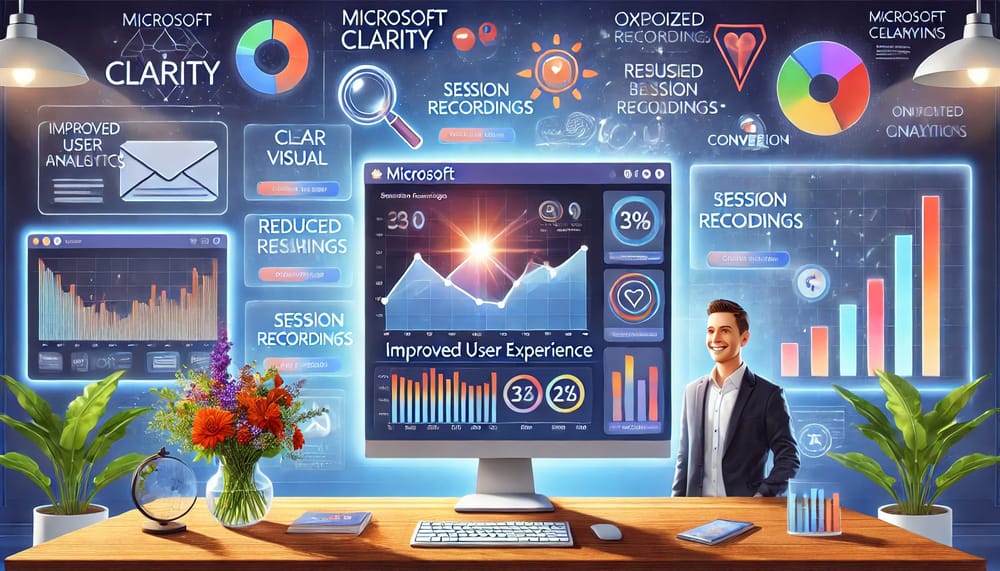
Every digital marketer and e-commerce manager knows the importance of understanding user behavior on their website. It can mean the difference between achieving seamless conversions or losing customers in moments of frustration. Enter Microsoft Clarity—a free and powerful user behavior analytics tool designed to help you optimize your website or marketing funnel like never before.
This blog will explore what Microsoft Clarity is, its key benefits, and why it’s an essential tool for your digital arsenal. By the end, you’ll understand how Clarity can transform your approach to website analytics and improve your results.
What Is Microsoft Clarity?
Microsoft Clarity is a free, easy-to-use tool that provides detailed insights into how users interact with your website. Unlike traditional analytics platforms like Google Analytics, which focus on hard metrics such as page views, bounce rates, and conversion numbers, Clarity goes deeper into understanding user behavior. It answers questions like:
- Where are users clicking?
- Are they engaging with your content as expected?
- Where do they experience frustration (e.g., rage clicks, dead clicks)?
- How far down the page are they scrolling?
Whether you’re managing an e-commerce website needing higher conversions or a blog looking to reduce bounce rates, Clarity offers intuitive tools like session recordings, heatmaps, and AI-powered insights to help you make data-driven decisions.
The Key Features of Microsoft Clarity
Here’s an overview of Clarity’s standout features:
1. Session Recordings
Clarity allows you to replay exactly how users interact with your website by recording sessions. You'll see every scroll, click, and tap, enabling you to identify usability issues or areas for improvement.
For example:
- Did a potential customer leave during the checkout process? A session recording can tell you whether they struggled to find the “Proceed to Checkout” button.
- Did users abandon a landing page? Recordings may reveal poorly placed CTAs (calls-to-action) or confusing layouts.
2. Heatmaps
Heatmaps visually represent where people are clicking, tapping, or scrolling most frequently on your site. With a single glance, you’ll know:
- Which areas catch users’ attention.
- Which CTAs drive action (or don’t).
- How far users are scrolling on a page—helping you understand whether essential content is visible.
For digital marketers running A/B tests, heatmaps are invaluable. They provide quick insights into what’s working and what isn’t, saving you from second-guessing your design decisions.
3. Insights Into Frustration
Clarity flags behaviors like:
- Rage clicks (when users repeatedly click an element out of frustration).
- Dead clicks (when users click on something that isn’t clickable).
- Error clicks (when users encounter issues).
These frustration signals help uncover overlooked UX (user experience) problems that may be driving potential conversions away.
4. No Traffic Sampling
Unlike many analytics platforms that sample data, Clarity processes all website traffic — no limits or approximations. This ensures you always have access to complete, accurate data.
5. Integration with Google Analytics
Already using Google Analytics? Clarity integrates seamlessly with it, offering complementary insights. You can view data from both platforms side-by-side, making it easier to connect behavioral insights with performance metrics.
6. Privacy-Focused Analytics
While detailed, Clarity ensures user privacy with a clear no-surprises policy. It doesn’t sell user data or sample sensitive information, which makes it GDPR-compliant and trustworthy.
5 Reasons to Add Microsoft Clarity to Your Website or Funnel
1. Identify Conversion Barriers
Conversion can drop for a variety of reasons, ranging from confusing navigation to unclear forms. Clarity helps you pinpoint exactly where users are abandoning ship, so you can address problem areas and improve your funnel.
For example, after analyzing session recordings, you may find that users consistently drop off at a specific step in the funnel. This could suggest a poorly designed form or hidden CTA. Simple adjustments, informed by Clarity, can make a measurable difference in your conversions.
2. Enhance UX and Reduce Frustration
Creating a positive user experience is paramount to moving users from curiosity to action. Clarity highlights frustration points like rage clicks or unexpected interactions that disrupt flow. By resolving these issues, you’ll create an intuitive browsing experience that users enjoy—and that keeps them coming back.
3. Optimize Content Placement
Using Clarity heatmaps, you can analyze whether critical content is overlooked or ignored by users. If users aren’t scrolling far enough to see your value propositions or skipping over important CTAs, Clarity ensures you’re aware of the issue. With these insights, you can restructure your pages for maximum impact.
4. Track the Results of A/B Testing
Running A/B tests? Clarity provides direct, actionable insights into how users behave across each variation of your page. For example:
- Do users engage more with the “Buy Now” button in version A or B of your landing page?
- Is your redesigned FAQ section driving inquiries or clicks to your contact page?
Clarity eliminates the guessing game by providing behavioral feedback to complement performance data.
5. It’s Free and Easy to Use
Unlike other analytics tools, Microsoft Clarity is 100% free. And with its intuitive design, setup is a breeze—even for marketers new to data analytics. Stop paying extra for tools, and start getting in-depth insights at zero cost.
How to Get Started with Microsoft Clarity
Adding Microsoft Clarity to your website is quick and simple. Follow these three steps:
Step 1: Sign Up for Free
Visit the Microsoft Clarity website and create a free account.
Step 2: Install the Tracking Code
Clarity provides a snippet of tracking code that you’ll need to install on your website. If you’re using a CMS like WordPress, Clarity’s integration makes it extra simple.
Step 3: Start Exploring Insights
Once set up, Clarity starts collecting data almost immediately. Begin by analyzing a heatmap of your most-visited page or watching session recordings from a specific funnel step. Use those insights to make data-driven optimizations.
Actionable Insights Drive Big Results
Digital marketers and e-commerce managers live and breathe analytics, but traditional tools rarely reveal the full picture. With Microsoft Clarity, you go beyond the numbers and into the "why" behind them.
By integrating Clarity into your website or funnel, you equip yourself with the tools to enhance usability, identify conversion barriers, and make smarter decisions—all without spending a dime.
Are you ready to unlock your website's potential? Sign up for Microsoft Clarity today and start leveraging behavioral insights for better results!
For more online marketing insights, click the link and come join my FREE Mastermind Group.

Tim Hewitt, Author
Tim is a Freelance Digital Marketer who specializes in helping other marketers to find ways to earn online. When you are frustrated with your prior efforts, Tim will help you find the way!
Copyright © 2026, The Digital Marketing Buzz | All Rights Reserved.