Receive Daily Blog Emails
You agree to receive daily blog emails a link to the full blog contents. You can unsubscribe at any time.
Be Sure To Check Your SPAM Folder For Your Welcome Message and WHITELIST Our Email So It Doesn't Go To SPAM In The Future!
How to Earn with Digital Products Designed in Canva
Tuesday, July 22, 2025
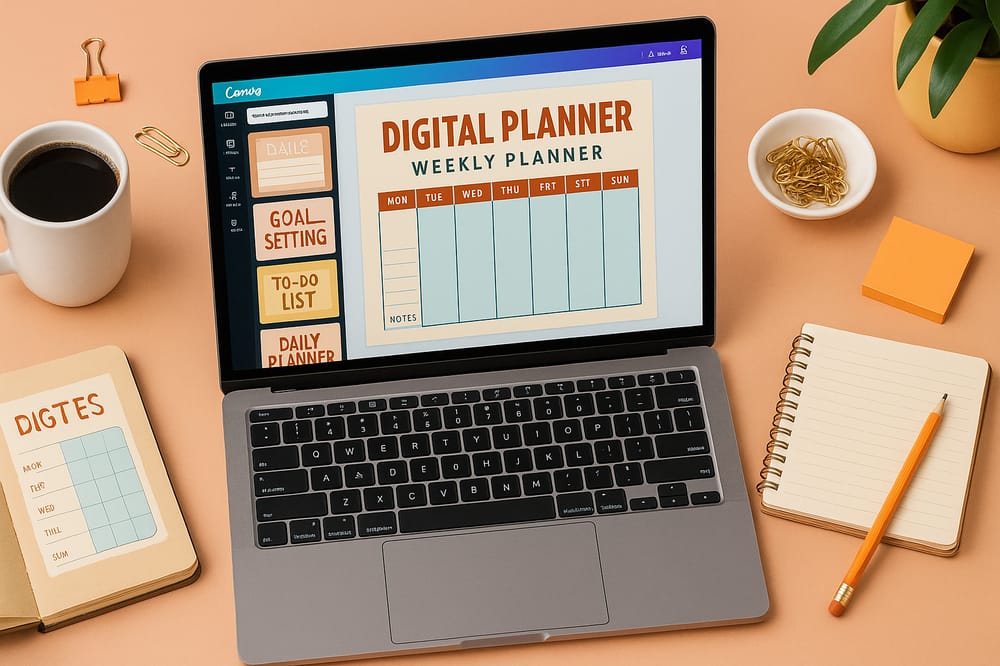
Creating and selling digital products has become a powerful way to generate income, especially for creatives and entrepreneurs. Canva, a user-friendly graphic design platform, makes it simple to produce high-quality digital goods like templates, planners, or social media graphics—even without a design background. Whether you're looking to create a side hustle or build a full-time business, here's a step-by-step guide on how you can use Canva to launch your digital product business and the realistic earning potential it offers.
Why Use Canva for Digital Products?
Canva stands out for its intuitive interface, expansive library of templates, and affordability. Even its free version offers plenty of design options, while the Pro version unlocks premium features like custom fonts, background removers, and exclusive design elements. With Canva, you can create polished, professional-looking digital products tailored for various audiences.
Benefits for Digital Product Creators:
- Ease of Use: Drag-and-drop features for simple customization.
- Versatility: Compatible with countless product ideas, from eBooks to social media templates.
- Cost-Effective: A Canva Pro subscription is significantly cheaper than hiring professional designers or purchasing expensive software.
What Digital Products Can You Create on Canva?
The options are vast, but here are some ideas to get you inspired:
1. Templates:
- Instagram post and story templates.
- Presentation slides (PowerPoint or Google Slides compatible).
- Resumes and cover letters.
2. Planners & Printables:
- Daily, weekly, or monthly planners.
- Habit trackers, goal-setting templates, or budget sheets
3. PDFs & Workbooks:
- Informational guides or educational content.
- Interactive PDF worksheets.
4. Greeting Cards & Invitations:
- Birthday cards, thank-you notes, or wedding invitations
5. Branding Kits:
- Business logos, color palettes, and font combos.
- Business card designs or social media kits.
These products are perfect for personal use, small business needs, or prepared as customizable assets for niche customers.
Step-by-Step Guide to Creating and Selling Digital Products with Canva
1. Brainstorm and Validate Your Product Idea
Start by identifying a high-demand product. Research niche markets on platforms like Etsy or Gumroad to spot trends. For example:
- Are Instagram templates growing in popularity with solopreneurs?
- Do planners and journals sell well before specific seasons like New Year's or back-to-school?
2. Create Your Design in Canva
- Choose a Template:
Browse Canva's extensive library or start with a blank canvas to create a custom design.
- Customize the Design:
Tailor colors, fonts, and layouts to cater to your specific target audience. (Remember to keep designs clean and visually appealing.)
- Test Functionality:
If your product includes editable features (e.g., templates), ensure your customers can access and modify it easily. Canva Pro allows you to create "editable links" so buyers can duplicate and adapt your designs in their Canva accounts.
3. Export Your Finished Product
- Save your work in the appropriate formats, such as PDF for printables, PNG for high-quality visuals, or editable .ZIP files for templates.
- Test your downloads to ensure they meet customer usability standards, such as resolution and clarity.
4. List Your Product for Sale
Pick a platform to showcase and sell your work:
- Etsy:
The marketplace provides a massive audience for digital products. Products like planners and templates often flourish here.
- Gumroad:
Ideal for creators looking to sell digital downloads or memberships.
- Your Own Website:
Platforms like Shopify or WordPress allow you to build a digital store and retain 100% of your profits.
5. Market Your Products
Effective promotion is key to generating sales. Use:
- Social Media Marketing:
Share sneak peeks and customer reviews on Instagram, Pinterest, or TikTok.
- Email Campaigns:
Build an email list and notify subscribers of product launches or sale events.
- SEO:
Optimize your product listings with keywords buyers might search for, such as “printable wedding invitations.”
6. Engage Customers and Refine Your Offerings
- Encourage customers to leave reviews.
- Take feedback seriously to improve future products.
- Expand your portfolio with add-ons or bundles.
How Much Can You Really Earn?
While success stories of creators making thousands of dollars a month from selling templates or digital planners are motivational, it’s important to be realistic. Your earnings will largely depend on the following factors:
Factors Impacting Your Income:
1. Product Quality:
- Well-designed, functional products typically sell better. Canva lets you create visually appealing items, but standing out requires thoughtful design choices.
2. Niche Selection:
- Finding and targeting an underserved audience can significantly impact sales.
3. Marketing Strategy:
- Strong marketing efforts will directly influence your success. A solid presence on social media combined with SEO-focused sales pages can bring in consistent traffic.
4. Initial Time Investment:
- Like any business, building a digital storefront and audience takes time. Consider putting in hours upfront to refine designs and build marketing materials.
Earning Examples:
- Beginner creators may earn $100–$500/month by selling a few products.
- Successfully marketed, high-quality products (like season-specific planners) can bring in $1,000+ monthly.
- Top sellers leveraging bundles and recurring customers may see $5,000–$10,000/month.
It’s important to note that success builds over time, especially as you grow a catalog and establish a reputation.
Tips for Beginners to Get Started
- Choose a niche you’re passionate about and familiar with.
- Start small by offering one or two products instead of overwhelming yourself with a full catalog.
- Use free marketing channels like Instagram and Pinterest to drive traffic.
- Learn from competitors by analyzing their most successful listings and reviews.
- Use Canva AI to brainstorm products inside Canva. The features are solid.
Common Pitfalls to Avoid
- Low Pricing:
Underpricing your products can hurt perceived value.
- Incomplete Designs:
Double-check your files for functionality and quality before listing them.
- Generic Products:
Unoriginal designs are less likely to attract buyers. Customize and tailor your products to make them unique.
Final Thoughts
Selling digital products designed with Canva is a viable and highly scalable side hustle or business opportunity. With minimal upfront costs and endless product ideas, this approach empowers creatives to tap into the growing digital goods market. By focusing on delivering value, leveraging effective marketing, and staying consistent, you can carve out a successful niche and, over time, generate steady income.
Our flagship program will teach you how to get started in 5 easy lessons, with no risk to you. A low cost training with a money back guarantee, this challenge will start you off on the right foot.
Check it out at this link.
A video review is also available
Disclaimer: If you click on links we provide and make a purchase, we may receive compensation. There is never any guarantee of income in any of the links or programs we provide.

Tim Hewitt, Author
Tim is a Freelance Digital Marketer who specializes in helping other marketers to find ways to earn online. When you are frustrated with your prior efforts, Tim will help you find the way!
Copyright © 2026, The Digital Marketing Buzz | All Rights Reserved.